Convert Landscape Video to 4:5 Without Cropping or Blur Bars

Convert landscape video to 4:5 online with AI scenery above and below your full 16:9 frame. Keep two-speaker interviews, wide demos, and brand shots intact at up to 1080 × 1350 for Instagram, LinkedIn, and Facebook feeds—no 45% side crop and no blurred bars.

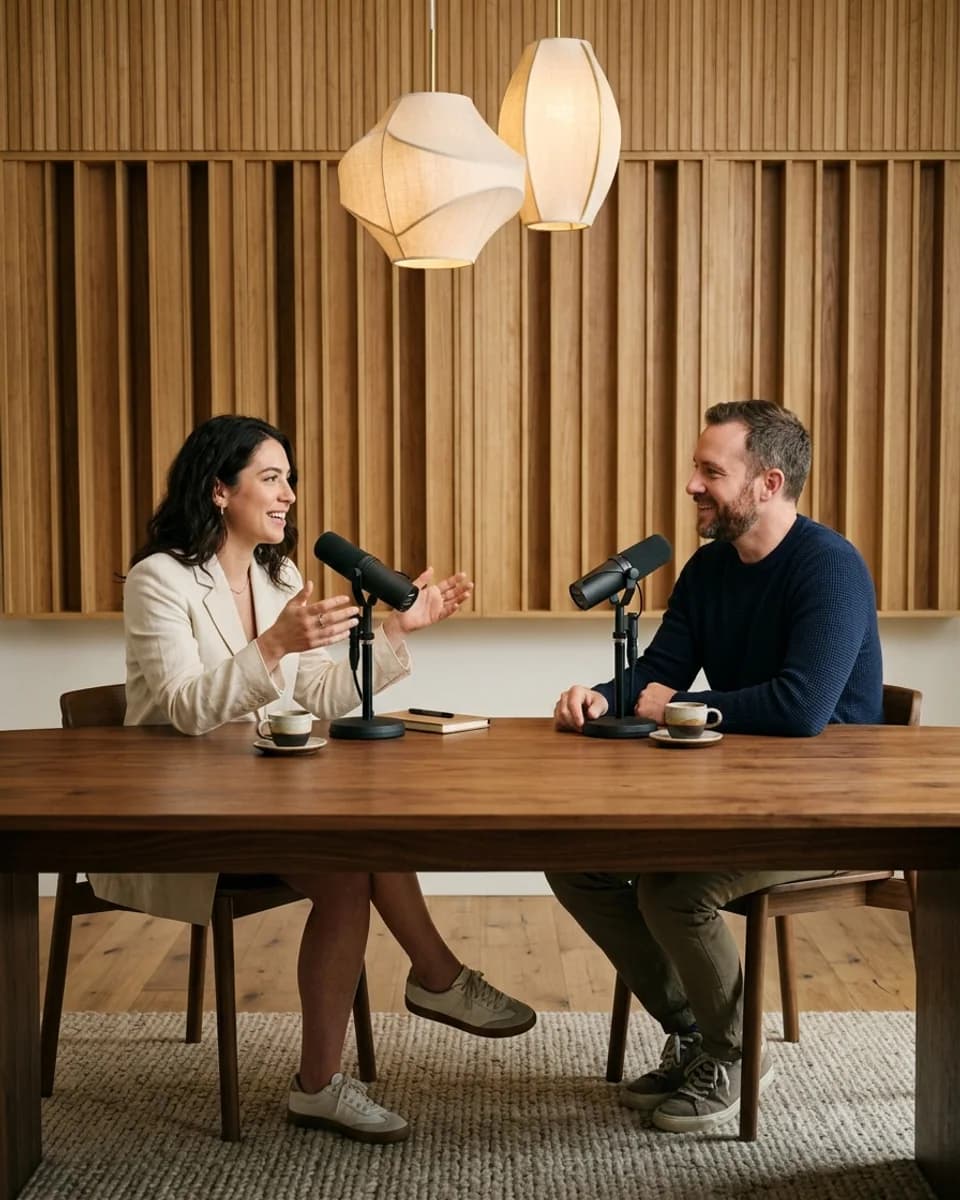
Two podcast hosts conversing across a walnut studio table in a 4:5 frame with fluted acoustic oak panels and pendant lights extending above and woven rug below
16:9 → 4:5
Guide

4:5 (1080 × 1350) for Instagram, LinkedIn & Facebook feeds · expand above, below, or both

Prompt (optional)

Describe the ceiling, sky, wall, or floor continuing above and below your 16:9 clip.

Take landscape video to 4:5 while keeping the full 16:9 width

Convert landscape video to 4:5 without losing half your horizontal shot

Center-cropping a 16:9 clip into 4:5 discards roughly 55% of the horizontal width—chopping off one speaker in a two-person interview or slicing the edges of a wide demonstration. Convert landscape video to 4:5 with AI expansion so the entire 16:9 composition stays visible from edge to edge while matching scenery fills above and below.
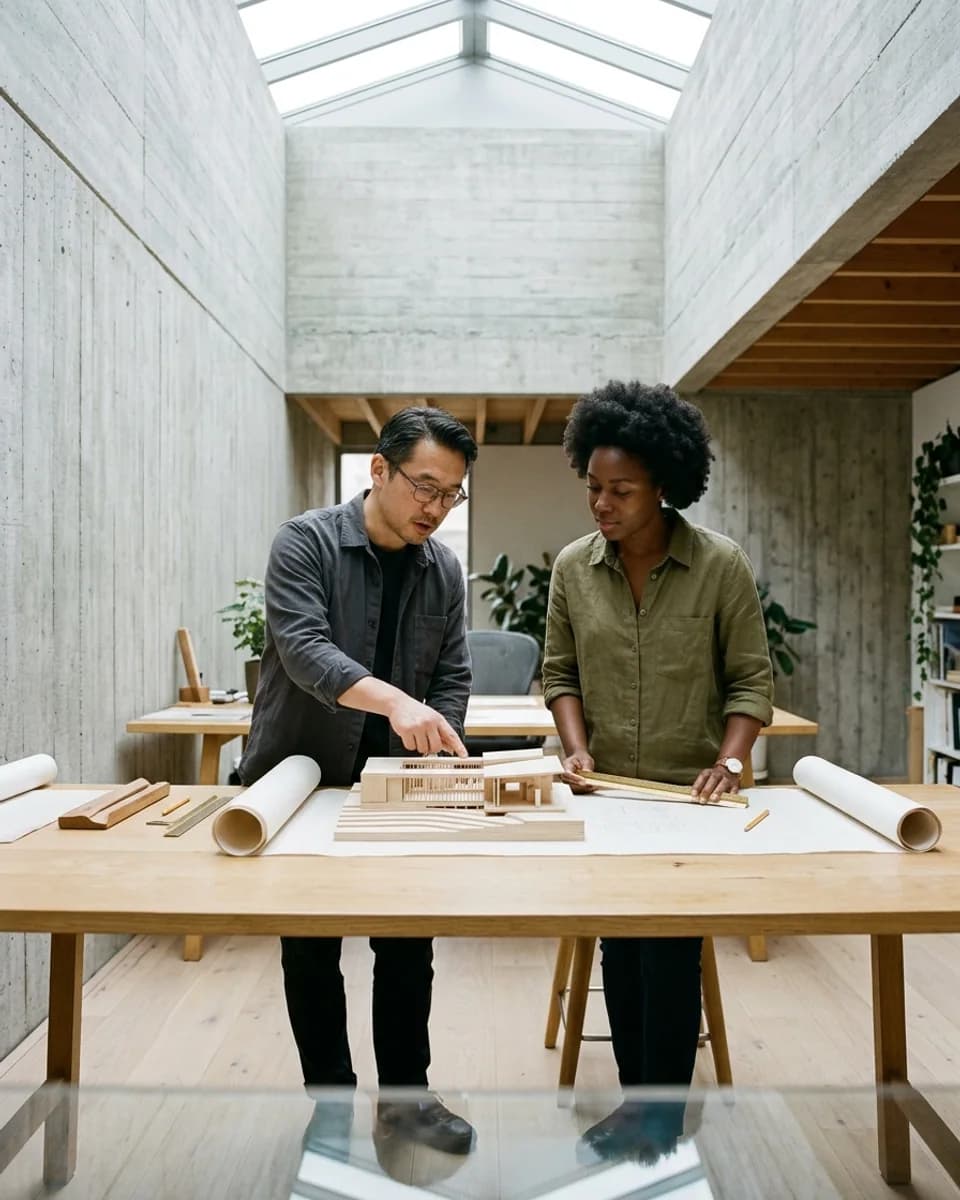
Two architects reviewing a wooden architectural scale model across a wide drafting table with sunlit concrete skylights extending above and oak floor below
16:9 → 4:5

Larger subject scale than 9:16 with maximum feed visibility

4:5 is the tallest native portrait format for Instagram, Facebook, and LinkedIn scrolling feeds—claiming more mobile screen height than 16:9 or 1:1. Because converting 16:9 to 4:5 requires less extreme vertical extension than 16:9 to 9:16, your original horizontal footage stays noticeably larger, sharper, and easier to read on phones.

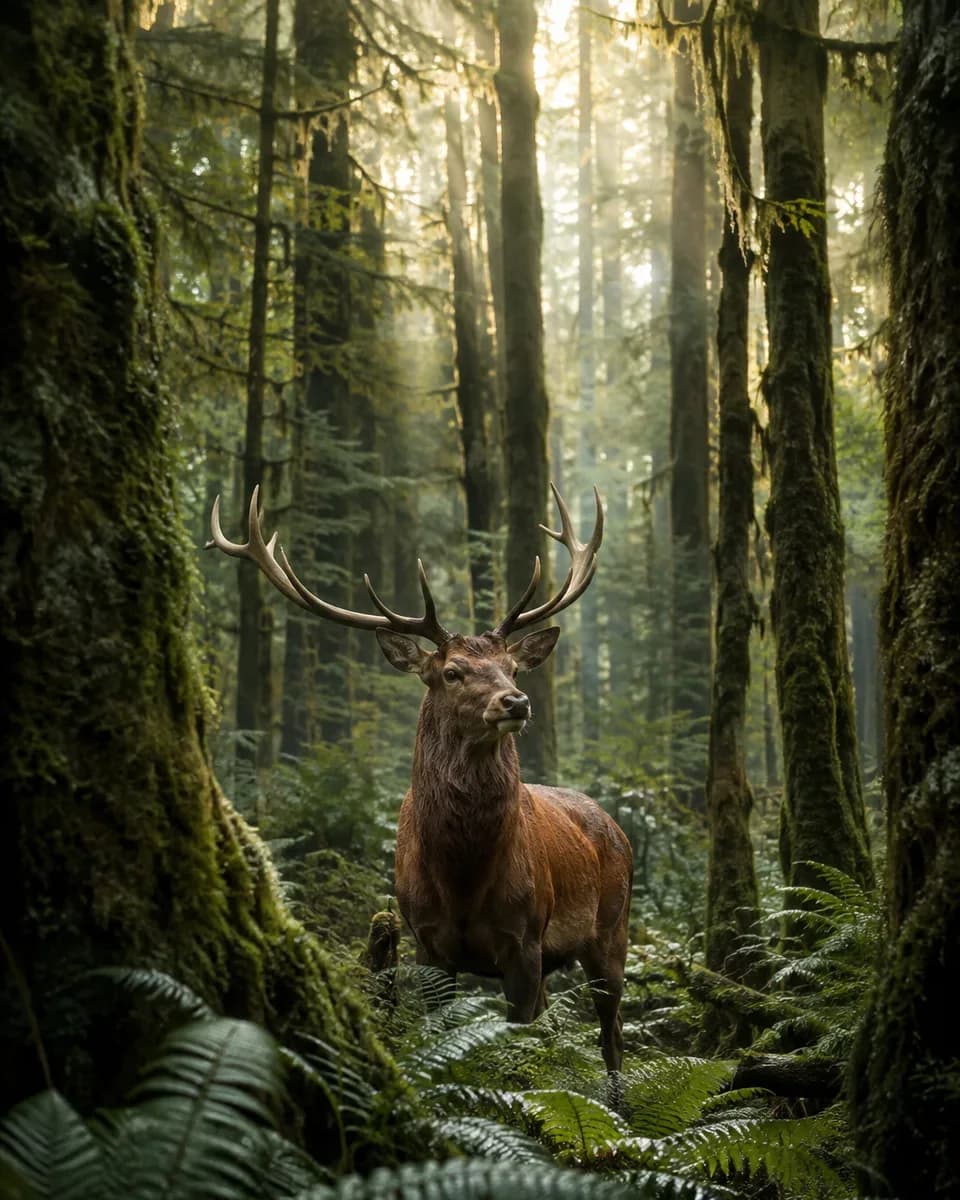
A stag standing in a sunlit misty evergreen forest with towering moss-covered canopy extending above and lush ferns below in a 4:5 frame
16:9 → 4:5

Reserve clean space above or below for feed headlines and captions

Choose upward, downward, or balanced expansion when adapting horizontal footage into 4:5. Position your 16:9 shot lower to create clean wall or sky space above for a hook headline, or center it to align cleanly with Instagram’s profile grid crop. Toggle the Feed & grid guide in the preview, then add sharp typography and brand logos in your preferred editor.

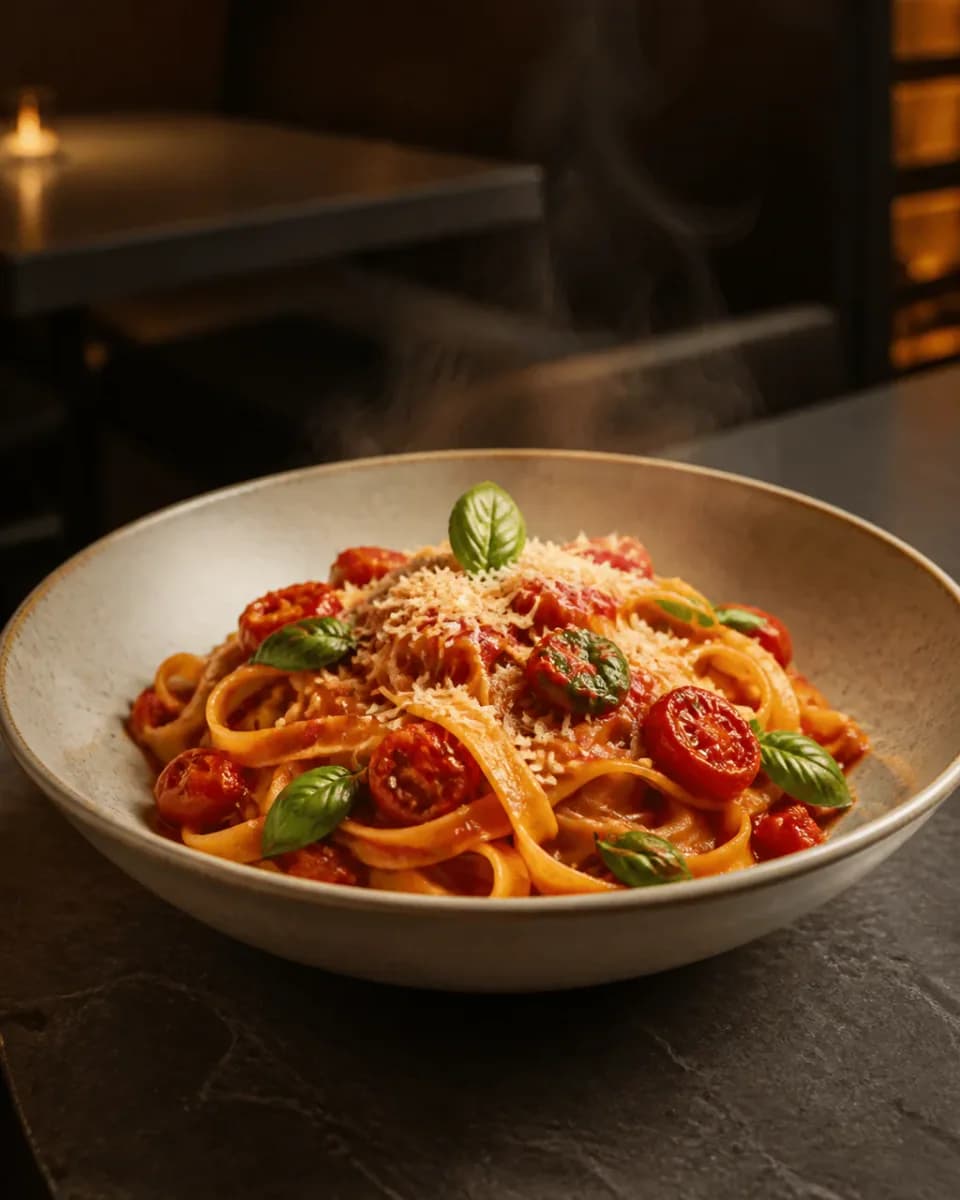
A gourmet bowl of steaming fresh pasta positioned in the lower half of a 4:5 frame with dark atmospheric restaurant space extending cleanly above
16:9 → 4:5

Keep hands, tools and full tabletop workflows in view

Cooking tutorials, craft demos, and software or hardware walkthroughs rely on horizontal context. Expanding 16:9 clips into 4:5 with AI continues the surrounding table, ingredients, or workspace naturally instead of boxing your shot between blurred bars. Preview the vertical composition before spending credits so every step stays legible.

Hands shaping fresh ribbon pasta across a rustic wooden worktable with flour bowls, tomatoes and basil extending naturally above and below in 4:5
16:9 → 4:5

Export 1080 × 1350 MP4 with original audio for LinkedIn and Meta

Repurpose YouTube episodes, webinars, and B2B keynote clips without re-editing from scratch. Your converted 4:5 MP4 exports at up to 1080 × 1350 pixels while preserving original duration and source audio when present. Review generated top and bottom boundaries alongside your audio before publishing to Instagram, LinkedIn, or Facebook.

A business leader in a sunlit modern glass-and-walnut office framed for a 4:5 LinkedIn feed post with clean vertical architectural headroom
16:9 → 4:5

16:9 landscape video to 4:5: AI expansion vs. crop and blur bars

Compare how each method adapts a 16:9 horizontal clip into a 1080 × 1350 scrolling feed video.

MethodHorizontal 16:9 widthTop & bottom lookFeed impact
Crop to fill 4:5Cuts ~55% of horizontal widthFull 4:5, but loses side subjects & speakersBreaks two-person & wide scenes
Fit with black or blur bars100% preserved in center stripStatic color bars or blurred mirror stripsLooks dated in Instagram & LinkedIn feeds
AI 16:9 to 4:5 expansion100% preserved edge to edgeContinuous AI-generated scenery above & belowNative 1080 × 1350 presence with larger subject scale

How to convert landscape video to 4:5

  1. 1. Upload your 16:9 video

    Choose a playable horizontal MP4, MOV, WebM, or MKV up to 180 seconds and 300 MB to preview framing right away.

  2. 2. Set 4:5 vertical placement

    Keep 4:5 selected, choose above, below, or balanced expansion, toggle the Feed & grid guide, and check estimated credits.

  3. 3. Generate and export 1080 × 1350

    Run AI 16:9 to 4:5 expansion, review the extended top and bottom scenery with audio, then download your MP4.

Where 4:5 horizontal conversions perform best

Instagram & Facebook feed posts

Adapt 16:9 footage for scrolling feed posts and Meta feed ads that maximize vertical screen space without cropping.

LinkedIn B2B interviews and launches

Bring wide 16:9 founder interviews, podcast clips, and product announcements into 4:5 LinkedIn feeds with both speakers intact.

YouTube-to-feed repurposing

Turn widescreen YouTube highlights into 1080 × 1350 teasers that keep horizontal detail clearer than a narrow 9:16 fit.

A cleaner path from 16:9 horizontal to 4:5 feed

  • No 55% side crop or blur bars

    Keep your entire 16:9 width intact while AI builds natural ceiling, sky, wall, or tabletop continuation above and below.

  • Visual feed & grid safe-zone check

    Preview top headline space, bottom caption room, and profile-grid center alignment before starting generation.

  • Up to 180 seconds with transparent credits

    Check duration-based credit estimates up front, process in the background, and download results for 30 days.

Landscape video to 4:5 FAQ

How do I convert landscape video to 4:5 without cropping or blur bars?

Upload your 16:9 clip and keep 4:5 selected. Instead of cropping away roughly 55% of the horizontal width or adding black or blurred bars, AI keeps your full 16:9 frame visible and generates matching scenery above, below, or both.

Why does 4:5 outperform 16:9 and 1:1 on Instagram, Facebook, and LinkedIn feeds?

4:5 is the tallest native aspect ratio supported in standard mobile scrolling feeds, occupying 25% more vertical screen area than 1:1 and far more than 16:9—helping clips stand out without requiring full-screen playback.

What pixel resolution does a 16:9 to 4:5 conversion export?

Output is an MP4 scaled to your source resolution at the 4:5 ratio, up to 1080 × 1350 pixels. Smaller source clips may export smaller dimensions while keeping exact 4:5 proportions.

Should I convert my horizontal video to 4:5 or 9:16 vertical?

Choose 4:5 for Instagram, Facebook, and LinkedIn scrolling feeds—your 16:9 subject appears noticeably larger and needs less generated vertical area. Choose 9:16 (using our Landscape Video to Vertical tool) for full-screen Reels, TikTok, and YouTube Shorts.

Can I keep two speakers or a wide product demo intact in 4:5?

Yes. Expanding horizontal footage to 4:5 with AI retains 100% of the width, keeping both interview guests, hands, and tabletop setups visible without panning back and forth.

Can I leave space at the top or bottom for headlines and captions?

Yes. Use upward, downward, or balanced expansion to place your 16:9 source higher, lower, or centered, and toggle the Feed & grid guide to verify headline room and Instagram profile grid framing. Apply final text and logos in your editor after download.

Which uploads, lengths, and audio tracks are supported?

Upload playable MP4, MOV, WebM, or MKV files up to 180 seconds and 300 MB. Your 4:5 MP4 keeps the original duration and source audio when present.

Can I try converting 16:9 to 4:5 for free?

Try one clip up to 10 seconds free with no account required. Generation costs 1 credit per second. Processing continues after you leave, and files remain available for 30 days.