Extend Video Background with AI Beyond the Original Frame

Extend video background online like generative expand for video. Widen narrow studio paper, interior walls, or outdoor horizons in any direction while keeping your subject, motion, and audio untouched—no green screen, cropping, or black bars.

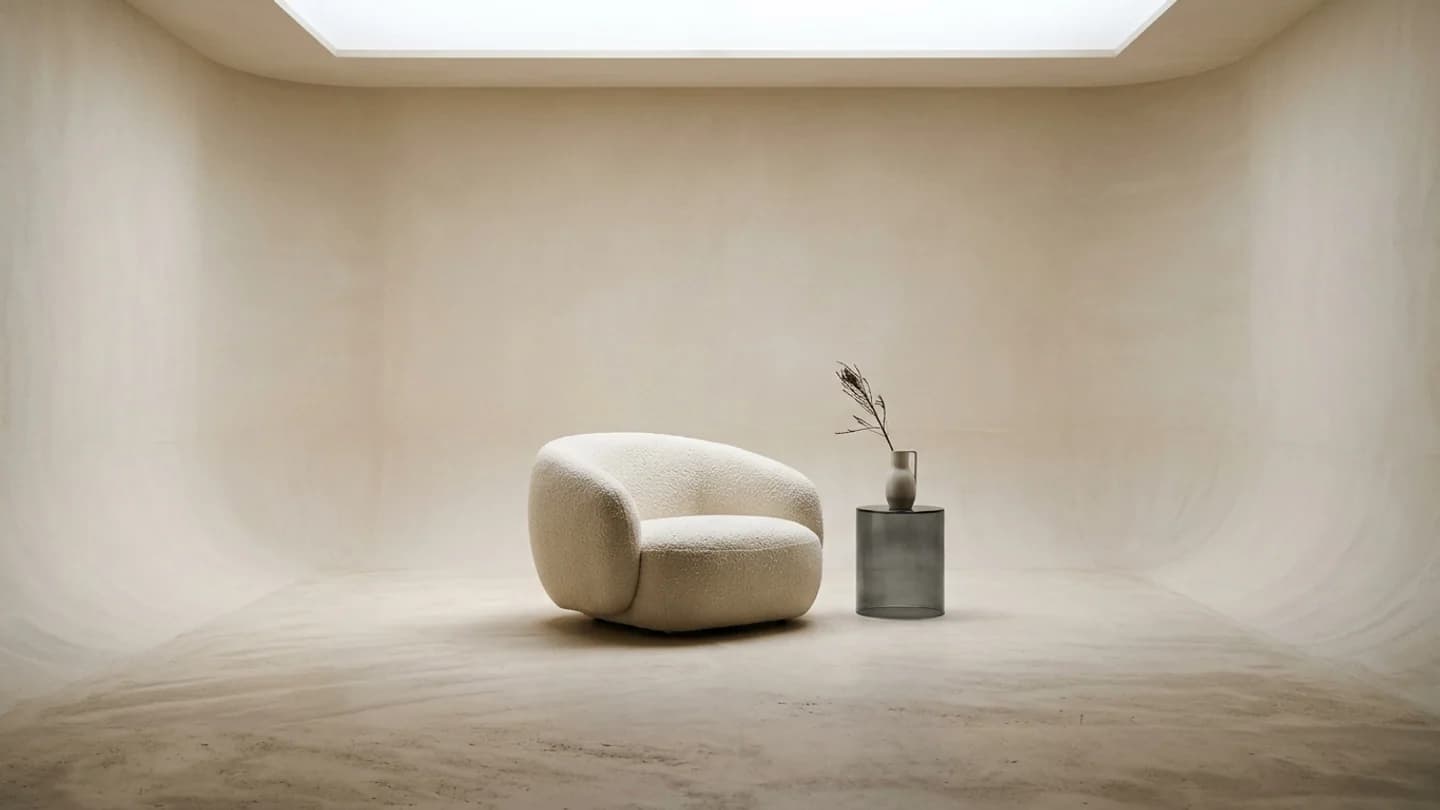
A sculptural ivory bouclé lounge chair and smoked-glass side table centered on an expansive warm-limestone studio cyclorama extending wide on both sides
1:1 → 16:9

Pick a new ratio to extend left, right, up, or down · or match your source ratio to widen all four sides

Prompt (optional)

Describe only the backdrop surface, wall, or scenery you want to extend. Leave blank to continue automatically.

Extend video background seamlessly without reshooting

Extend video background past narrow studio paper and set edges

A studio backdrop roll, seamless wall, or small room can quickly run out of width when you need a widescreen cut. Extend video background with AI to continue seamless paper grain, cyclorama curves, and soft floor shadows past the original borders. Fix cramped commercial setups in your browser instead of masking walls frame-by-frame or scheduling a reshoot.

A fashion model in a terracotta linen coat centered against a warm sand seamless paper studio backdrop extended wide on both sides
4:5 → 16:9

Generative expand for video that keeps your subject untouched

Think of this workspace as generative expand for moving footage. Your subject, wardrobe, and original performance stay locked inside the source region while AI builds matching walls, ceilings, floors, or furnishings outside the edges. Widen backdrops horizontally for widescreen players or expand upward and downward for taller feeds without green screens or rotoscoping.

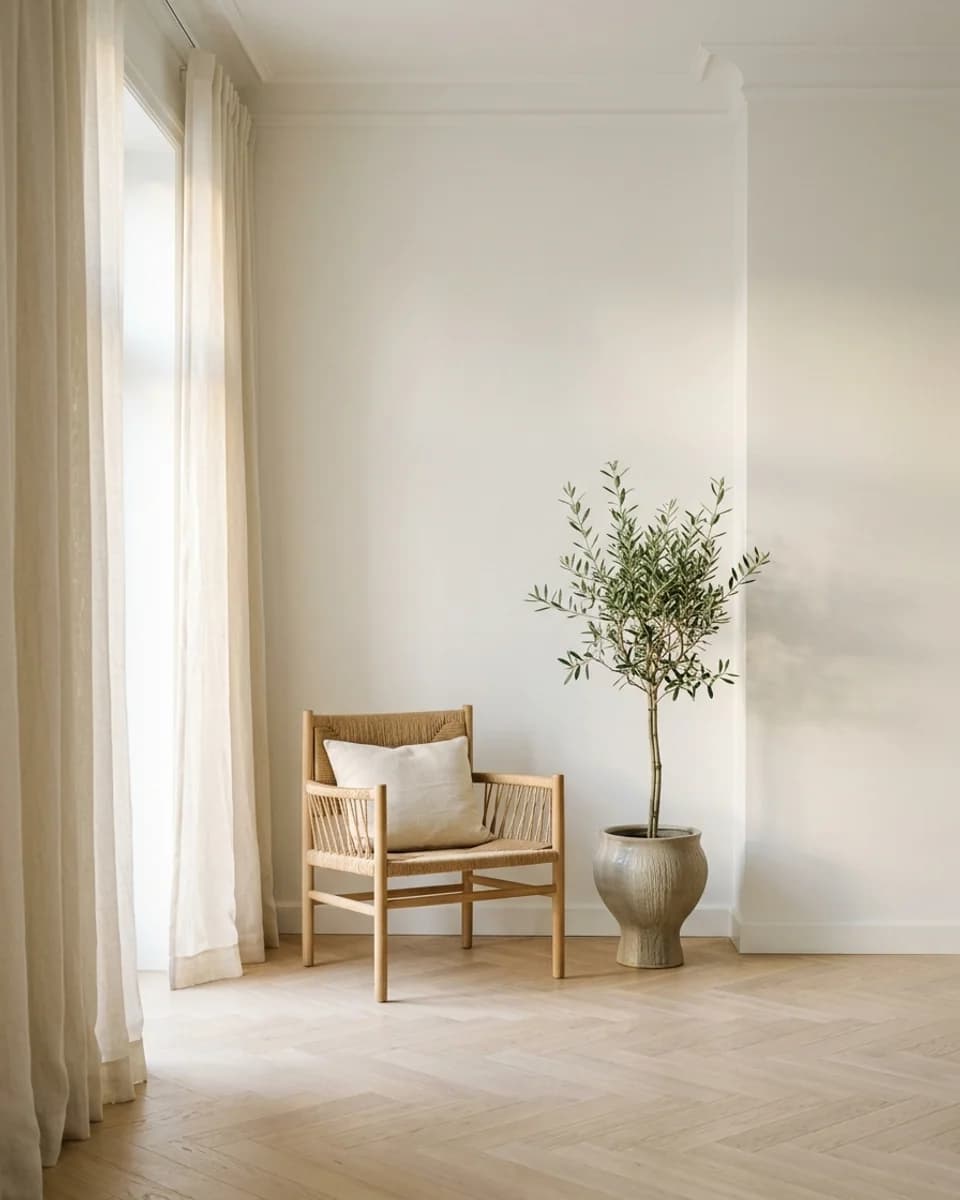
A sunlit Scandinavian living room with woven oak chair and olive tree extended vertically with tall matte-white walls above and herringbone oak floor below
16:9 → 4:5

Add clean backdrop space on one side for hero banners and text

Need clean backdrop space beside a product or presenter for a website hero, landing banner, or campaign offer? Drag your source clip left or right and extend video background strictly on the open side. Preview the exact balance of subject and negative space before generating, then add crisp headlines and logos in your design or editing tool.

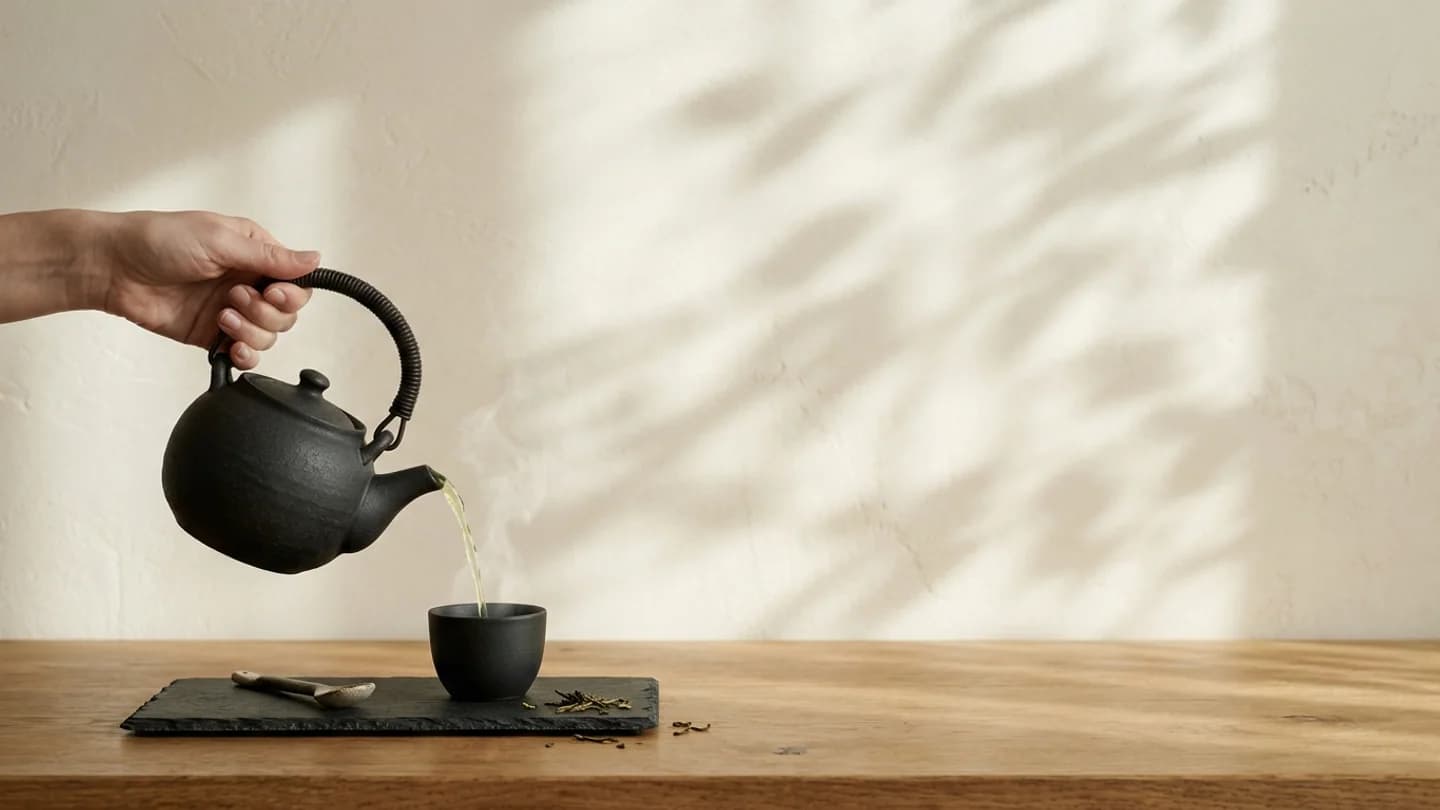
A matte-black stoneware teapot pouring steaming green tea on the left third with an expansive sunlit warm-plaster studio wall extending to the right
1:1 → 16:9

Guide extended outdoor horizons and lighting with a short prompt

Add an optional short description to steer how the backdrop continues—such as twilight ocean horizon, soft studio falloff, or warm interior depth—or leave it blank to let AI infer from the visible scene. Expand outdoor environments while keeping color temperature and atmosphere consistent from frame to frame.

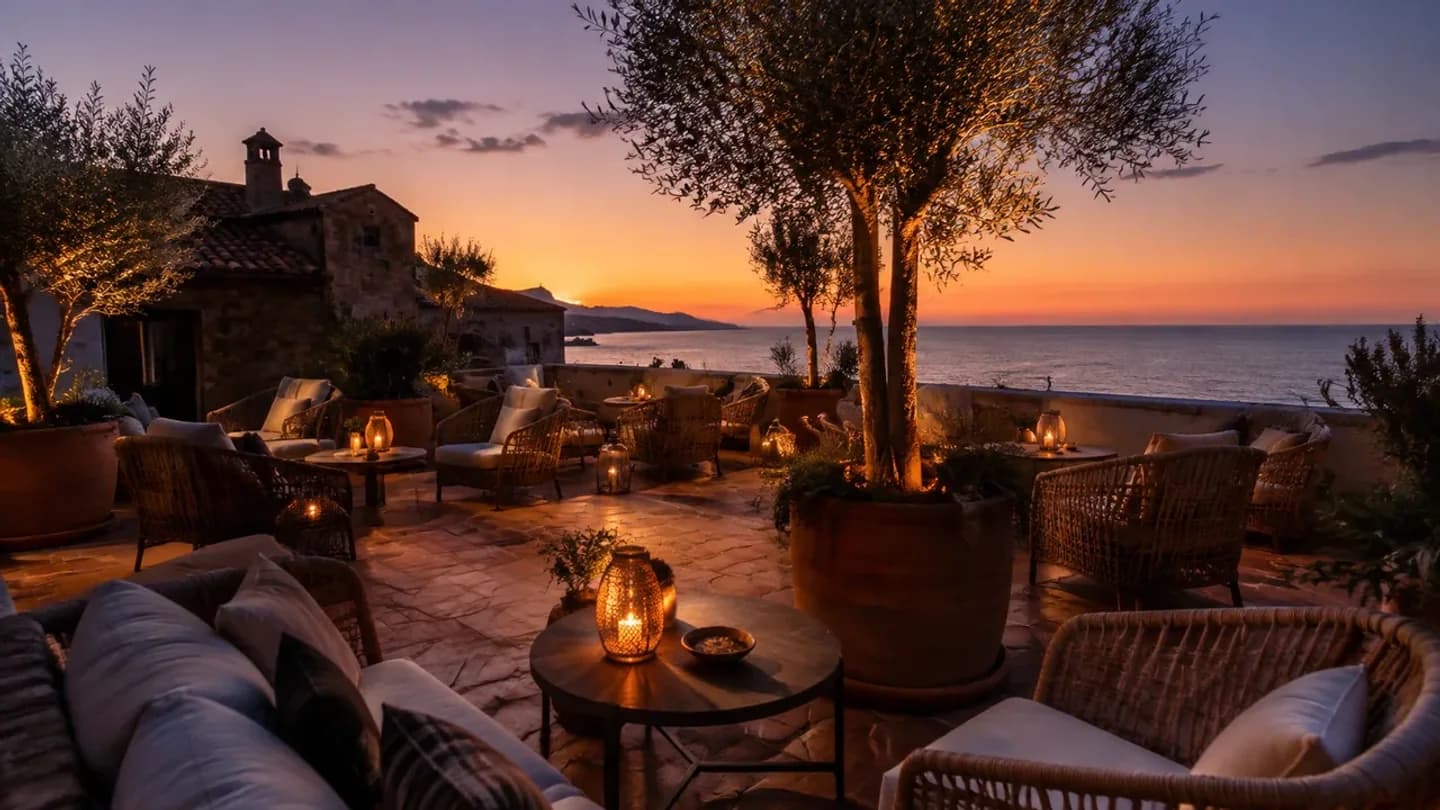
A candlelit Mediterranean stone terrace overlooking a glowing sunset sea horizon extended seamlessly across widescreen
1:1 → 16:9

Keep original audio, clip length and clean architectural continuity

Steady tripod framing and even natural or studio lighting deliver the smoothest backdrop extensions. The exported MP4 retains the exact source duration and original audio track when present. Support for clips up to 180 seconds and 1080p resolution lets you drop the widened footage straight back into your timeline.

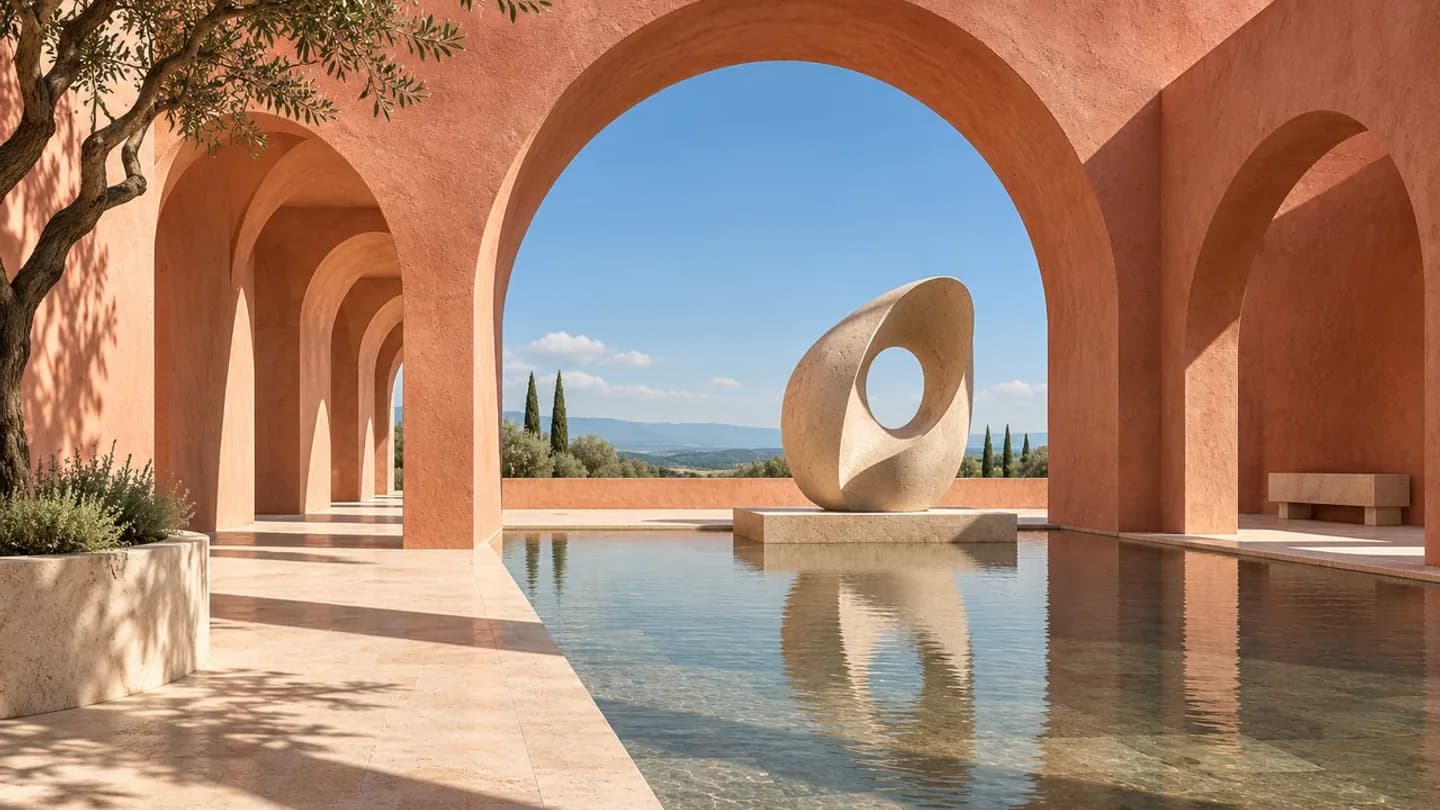
A sunlit terracotta arched architectural courtyard and calm reflecting pool captured straight-on with crisp symmetry across widescreen
4:5 → 16:9

Spatial background extension vs. temporal video extension

Choose the right workflow before uploading—this tool expands the visual backdrop outside your frame borders.

Extend video background (This tool)
Wider or taller frame · Same duration
Generates new scenery, studio backdrop, walls, or sky around your video while keeping exact clip length and audio.
Extend video length (Different task)
Same frame · Added seconds
Continues action forward in time to make a 5-second clip longer rather than widening the spatial background.

How to extend video background online

  1. 1. Upload your footage

    Select a playable MP4, MOV, WebM, or MKV up to 180 seconds and 300 MB from desktop or phone to preview framing right away.

  2. 2. Choose direction and backdrop

    Select 9:16, 4:5, 1:1, or 16:9, set left/right/up/down placement or same-ratio zoom-out, optionally add a backdrop prompt, and check credits.

  3. 3. Generate and download MP4

    Start generation to extend video background, inspect moving edges and audio, then download your finished MP4.

Where extending a video background saves a shoot

Studio and e-commerce backdrops

Widen shots past the edge of seamless paper, cyclorama walls, or tabletop sets without masking or reshooting.

Website heroes and campaign banners

Offset your subject and expand the backdrop on one side to leave calm, legible room for headlines and CTAs.

Cross-platform format adaptation

Widen or heighten interior and outdoor backdrops to fit 16:9, 4:5, 1:1, or 9:16 placements without black or blurred bars.

A browser workspace built to extend video background cleanly

  • No desktop plugins or green screen

    Extend video background directly in your browser with directional preview controls and optional backdrop prompts.

  • Up to 180 seconds and 1080p MP4

    Process clips up to 3 minutes and 300 MB while keeping original duration and source audio intact.

  • Clear credit estimates and 30-day storage

    Review exact duration-based credits before starting. Leave while processing and return to download within 30 days.

Extend video background FAQ

How do I extend video background without cropping my subject?

Upload your clip, pick your target ratio (or keep the matching ratio for 20%–100% four-sided expansion), and choose where the added backdrop appears. AI keeps your original subject untouched and outpaints matching background scenery around the frame.

Is this like Photoshop Generative Expand for video?

Yes—conceptually it brings generative expand to moving video frames. Instead of editing a single still image, AI generates temporally coherent background continuation across your clip while preserving original motion and audio.

Does extending a video background change the clip length or duration?

No. This tool performs spatial background extension—widening or heightening the visual canvas while keeping the exact original duration and audio track. It does not add extra seconds to the end of a clip.

Can I guide what appears in the extended background?

Yes. Open the optional Prompt drawer and choose a starter phrase or type a short description of the wall, studio backdrop, or outdoor scenery you want. Keep prompts focused on outer surroundings consistent with your lighting.

What kind of footage works best to extend video background?

Clips with steady camera movement, consistent lighting, and clear subjects inside the original borders give the most seamless results. Fast handheld pans or complex patterns crossing the cut edge should be reviewed carefully after download.

Which formats, clip lengths, and resolutions are supported?

Upload playable MP4, MOV, WebM, or MKV files up to 180 seconds and 300 MB. Output is an MP4 scaled to your source resolution and selected ratio, up to a 1080-pixel short edge and 1920-pixel long edge, with source audio preserved when present.

Can I try extending a video background for free?

Try one clip up to 10 seconds free with no account required. Generation costs 1 credit per second. Monthly and yearly plans provide additional credits.

Can I leave the page while my background is extending?

Yes. Processing continues in the background after you close the tab. Each account allows one pending or processing task at a time, and uploaded clips and completed downloads stay available for 30 days.

Extend video background in minutes

Widen studio sets, rooms, or outdoor backdrops with AI while keeping your subject, timing, and audio intact.

Extend background