Turn Landscape Video to Vertical and Keep the Whole Scene

Convert landscape video to vertical without cropping away people, products or surroundings. AI extends the scene above and below your footage. Preview the 9:16 composition, then generate an MP4 with original timing and source audio.

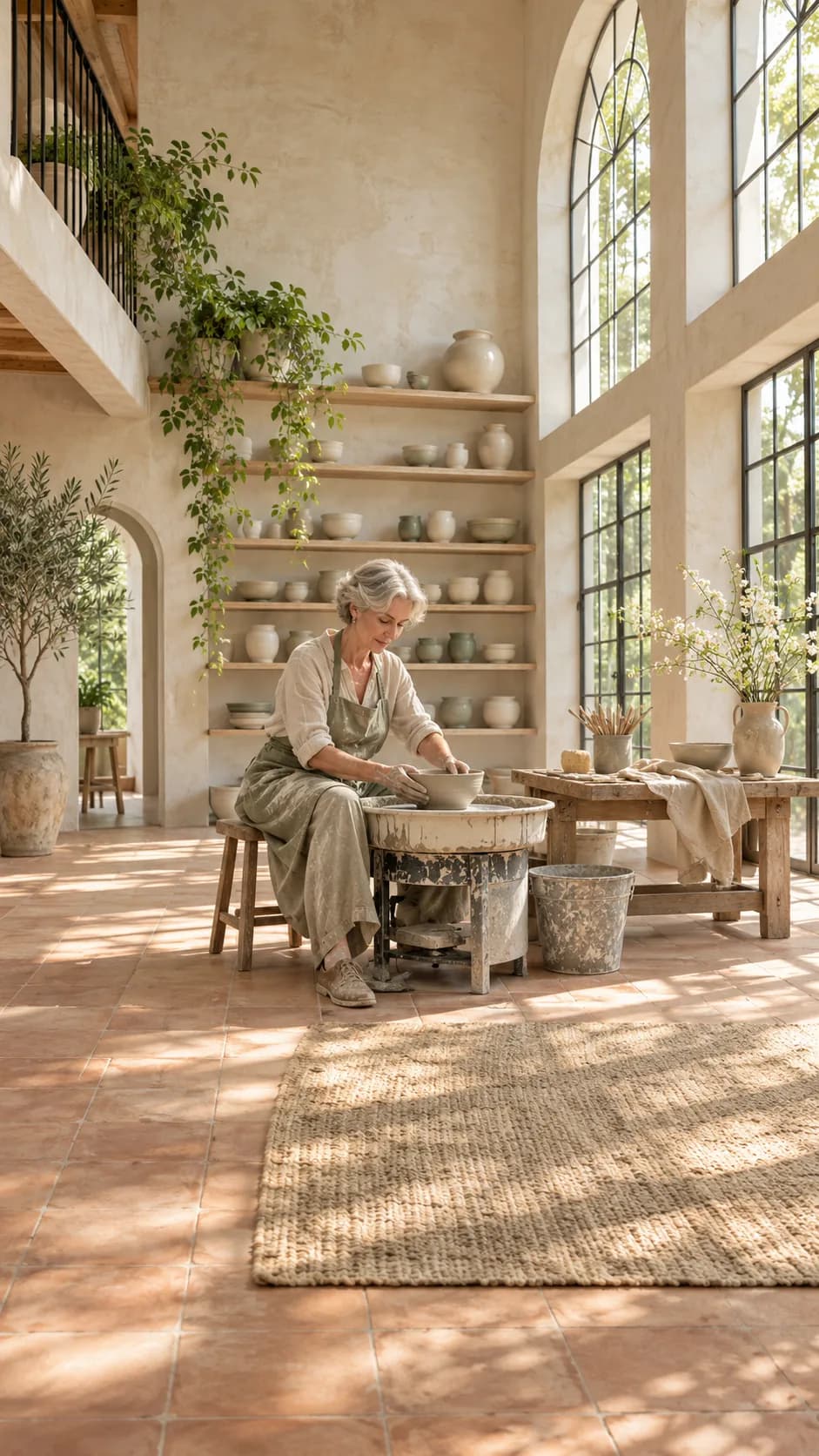
A ceramic artist shaping a clay bowl at a pottery wheel in a bright studio with tall windows, textured walls and a spacious tiled floor
16:9 → 9:16
Prompt (optional)

Leave blank to expand from your video.

Keep the whole scene as you go from landscape video to vertical

Keep both people and the moment between them

A conversation needs both speakers. A demonstration needs hands and a work surface. Convert landscape video to vertical while keeping those relationships visible. The complete source composition stays inside a taller canvas, including the details at either side of the shot.

Two seated speakers and a low table remain together within a tall, light-filled studio composition
16:9 → 9:16

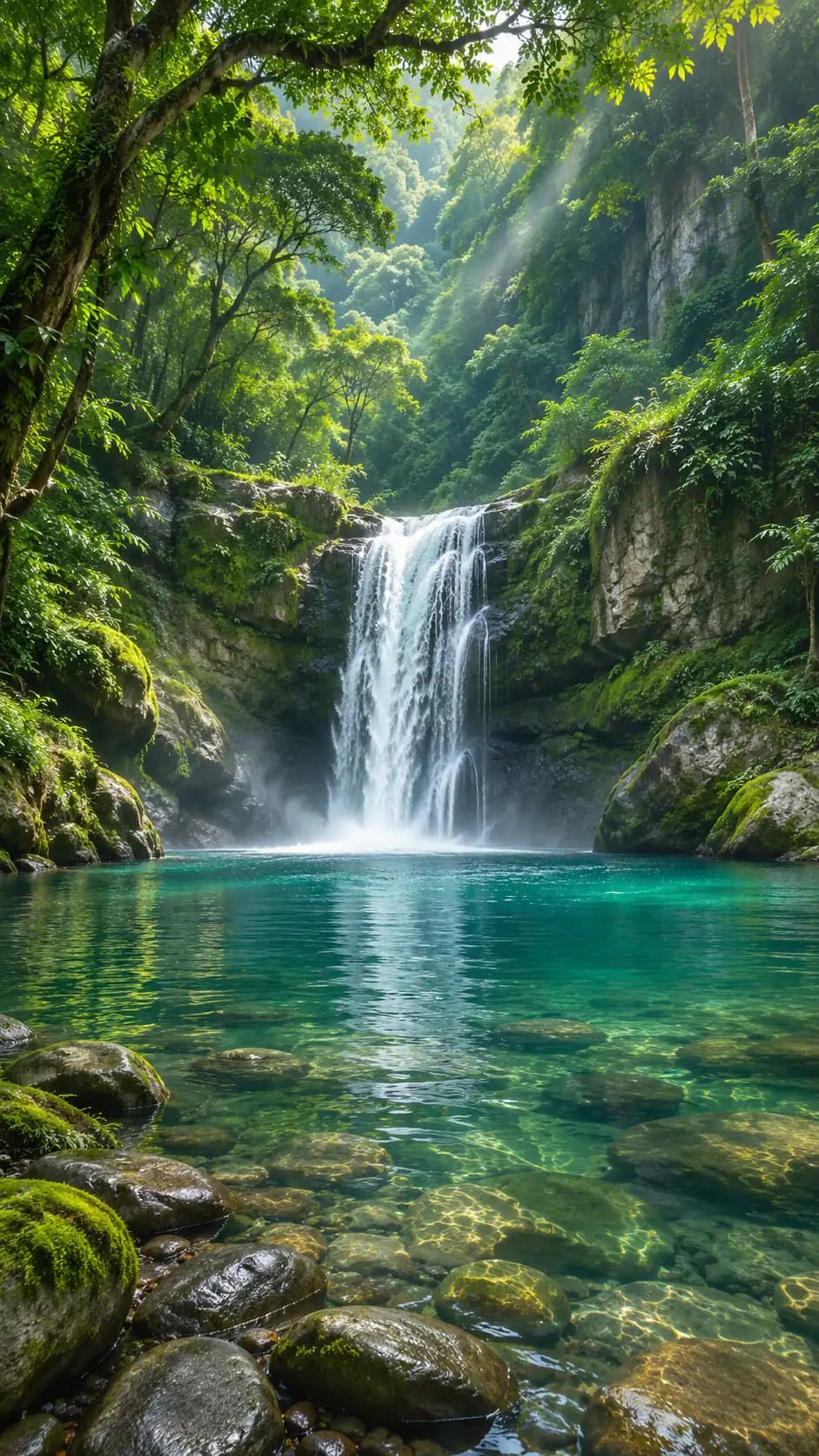
Let the scenery continue above and below

Convert landscape video to vertical with AI-generated scenery above and below. More forest canopy, studio wall or ground can complete the taller frame. An optional description guides the setting. Review textures, lighting and movement when bringing landscape video to portrait.

A tropical waterfall framed by layered forest canopy above and a clear turquoise pool below
16:9 → 9:16

Preview your landscape video to vertical conversion

Going from landscape video to vertical means fitting a wide shot across a narrow canvas. Your subject appears smaller within the final frame. Preview the actual scale when converting 16:9 to 9:16, then choose above, below or balanced expansion.

An artisan loaf and golden croissants on a terracotta counter with generous surrounding wall and counter space
16:9 → 9:16

Give your next caption its own space

Convert landscape video to vertical for an announcement or campaign with breathing room around the action. Add your headline, subtitles or logo in your preferred editor afterward. When adapting horizontal video to vertical, check existing text alongside the destination platform’s interface.

A handcrafted paper greenhouse with leafy arches above a central bench and a spacious tiled path below
16:9 → 9:16

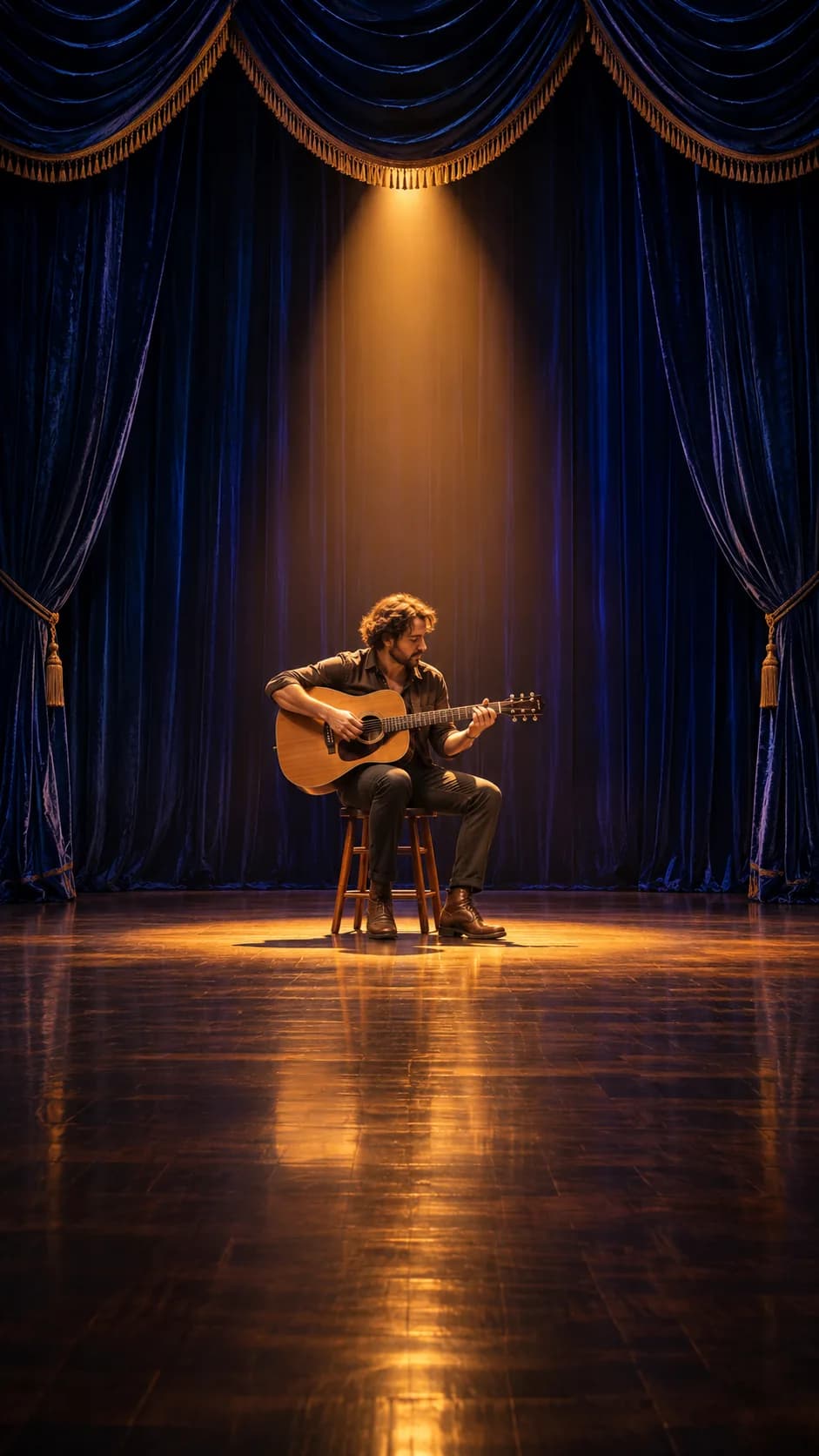
Convert landscape video to vertical with its original sound

Every guitar phrase or spoken explanation has its own rhythm. When you convert landscape video to vertical, the MP4 retains the source duration and audio when present. Listen through the result, inspect moving edges and continue in your usual editing workflow.

An acoustic guitarist with a complete guitar and stool on an intimate stage beneath warm light and indigo curtains
16:9 → 9:16

How to convert landscape video to vertical

  1. 1. Choose your video

    Choose a clear, playable clip from your computer or phone to preview converting landscape video to vertical online.

  2. 2. Preview the vertical canvas

    Start with 9:16, choose the expansion direction and inspect source placement. Add an optional scene description and check the estimated credits.

  3. 3. Generate and download

    Convert landscape video to vertical, review the picture and audio, then download an MP4. Return to the same account after leaving.

A vertical version for your next audience

Interviews and customer stories

Convert landscape video to vertical for an interview while keeping both speakers, their gestures and the workplace that gives the story context.

Tutorials and product demonstrations

Take landscape video to vertical for a phone-focused lesson, recipe or product demonstration. Keep the work surface and each important step visible.

Reels, TikTok and Shorts

Convert landscape video to vertical for Reels, TikTok or Shorts. Check subject size, captions and platform controls before publishing a 9:16 version.

A clear workflow from upload to download

  • Frame it before generating

    Preview landscape video to vertical with visible source placement and surrounding space. Plan your composition before spending credits.

  • Know the estimated cost

    Check duration-based credit estimates before converting landscape video to vertical. Plan the clip length around your available balance.

  • Return when it is ready

    Start a landscape video to vertical conversion and let processing continue after you leave. Your account keeps progress and downloads together.

Landscape video to vertical questions

Can I convert landscape video to vertical without cropping?

Yes. Select 9:16 and keep the complete horizontal source inside the taller canvas. AI generates scenery above, below or both. Added scenery is an imagined continuation of the visible scene. Review its details and motion.

Why does the original subject look smaller?

The complete horizontal image fits across the width of the portrait canvas. It occupies less of the final frame than a close crop would. Check faces, gestures and existing text in the preview.

Which ratio should I choose for Reels, TikTok or Shorts?

Choose 9:16 when converting landscape video to vertical for these placements. Review subject size and text on a phone. Leave room for the platform’s interface and add final captions in your preferred editor.

Can I convert landscape video to vertical on iPhone?

Open the website in your mobile browser and select a playable video from your device. Preview the portrait canvas, start generation, and return to download the MP4.

Which files can I upload to convert landscape video to vertical?

Upload playable MP4, MOV, WebM or MKV files up to 180 seconds and 300 MB. Each account supports one pending or processing video task at a time.

What resolution, audio and duration will I get?

Convert landscape video to vertical as an MP4 with source duration and audio when present. Resolution follows the source and target ratio, up to a 1080-pixel short edge and a 1920-pixel long edge.

Can I try landscape video to vertical free?

Try one clip up to 10 seconds free with no account required. Generation costs 1 credit per second. Check the estimate first. Monthly and yearly plans provide additional credits.

Can I leave a landscape video to vertical conversion running?

Yes. Processing continues after you leave. Return to the same account to check progress or download the completed video. Files and results remain available for 30 days.

Convert landscape video to vertical with the whole scene

Try landscape video to vertical with a finished clip. Preview a taller composition and bring the complete moment to your next post.

Make my video vertical