
Resize Video Without Cropping and Keep the Full Frame

Resize video without cropping to give finished footage a new canvas. Keep the whole shot visible while AI adds surrounding scenery. Preview your framing and download an MP4 with source audio.

Two friends preparing pasta at a sunlit kitchen island with their hands and work surface visible
1:1 → 9:16

9:16 for Reels and Shorts · 4:5 and 1:1 for feeds · 16:9 for widescreen

Prompt (optional)

Leave blank to expand from your video.

Resize video without cropping the moments that matter

Resize video without cropping the action

An outstretched hand or the space between two dancers can carry the story. Resize video without cropping and keep that relationship visible. AI adds scene area around the source, giving complete movements room inside a new frame. Review the clip before exporting.
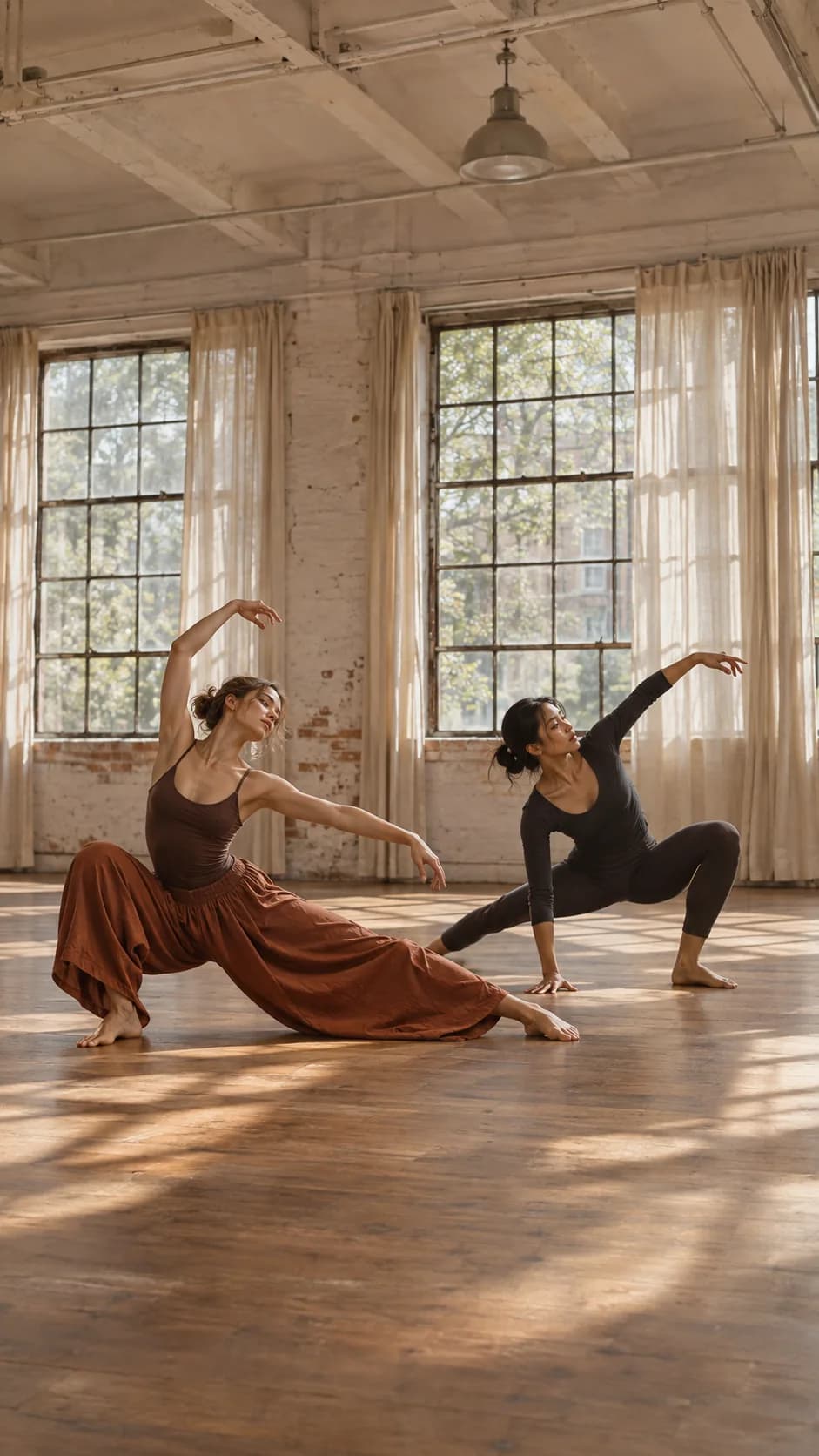
Two dancers in a bright rehearsal studio with generous space around their full bodies
1:1 → 9:16

Give every product detail its place

Packaging and demonstrations help explain a product. Resize video without cropping to keep those details visible in another placement. Preserve the source composition and extend its setting. Existing on-screen text stays within the source area, ready for a readability check on mobile.

Amber skincare bottle and open ceramic jar arranged with botanical leaves on pale stone
1:1 → 4:5

Resize video without cropping for a full canvas

Take a finished demonstration to portrait while keeping the work surface visible. Resize video without cropping for Instagram, Reels or Shorts by generating space above and below the shot. Choose 9:16, 4:5, 1:1 or 16:9 for your destination.

A ceramic artist shaping a bowl at a wheel in a warm textured pottery workshop
1:1 → 9:16

Place your full shot with purpose

Choose where scenery appears as you resize video without cropping. Position a vertical source within a wider canvas, leaving room for a campaign message added later in your editor. Preview the framing and select left, right or balanced expansion.

Sculptural lounge chair beside a tall window in a cinematic warm minimalist interior
4:5 → 16:9

Carry the picture and sound forward

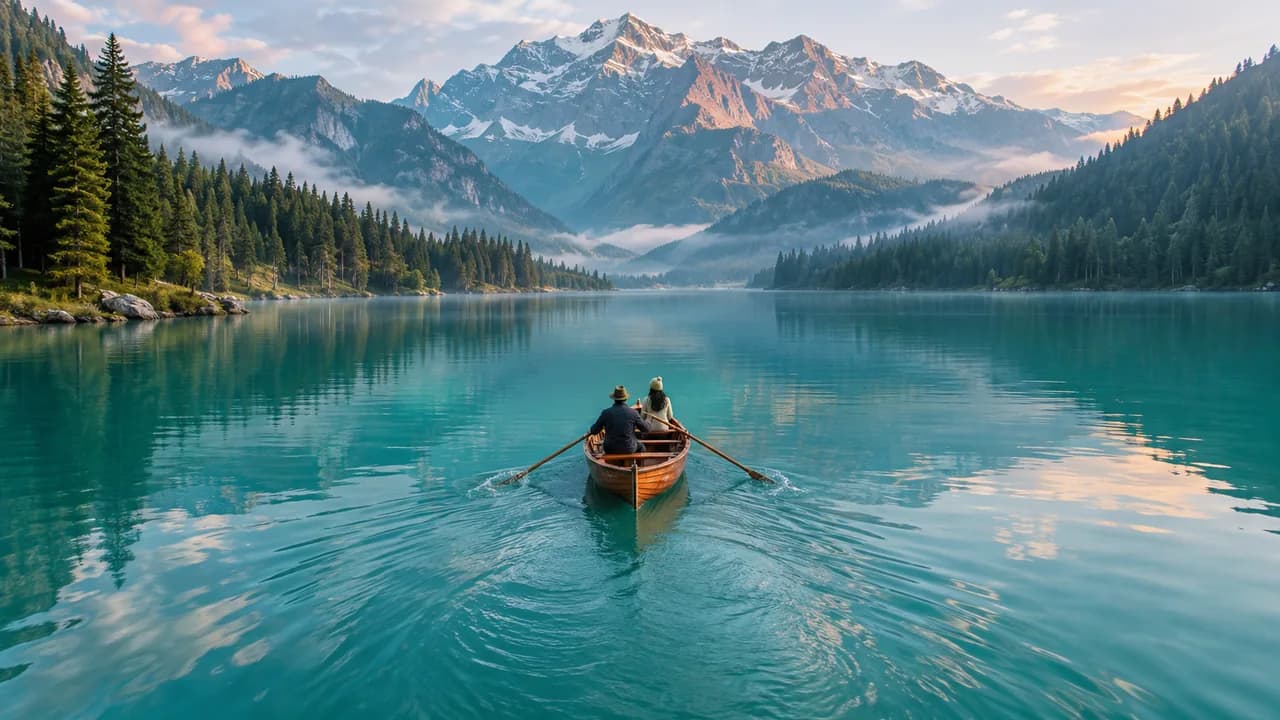
A travel moment has its own timing and atmosphere. Resize video without cropping and keep the original duration with source audio when present. Download the MP4, watch the new edges through the clip and continue in your usual publishing or editing workflow.

A wooden boat crossing a tranquil turquoise alpine lake beneath mountain peaks in soft morning light
9:16 → 16:9

How to resize video without cropping

  1. 1. Upload your finished clip

    Select your clearest playable export to preview how to resize video without cropping the composition you already created.

  2. 2. Choose the new framing

    Select a target ratio and expansion direction. Check the source placement, add an optional scene description and review the estimated credits.

  3. 3. Review and download

    Generate, inspect the additional scenery and download your MP4. Return to the same account to check progress after leaving the page.

Resize video without cropping for your next placement

Resize video for Instagram without cropping

Resize video without cropping a landscape tutorial. Keep the work surface and gestures visible while adding scene area for a portrait feed.

Product campaigns in new formats

Prepare square or 4:5 versions of an existing product clip. Resize videos without cropping packaging or the action that explains how it works.

Phone footage for wider screens

Resize video without cropping a vertical travel or lifestyle moment. Add surrounding scenery for YouTube, a presentation or your website.

Resize video without cropping with clear controls

  • See the framing before generation

    Visual ratio and placement controls help you resize video without cropping with a clear composition in mind.

  • Check the cost before starting

    The tool estimates credits from clip duration, so you can plan each request to resize video without cropping.

  • Come back to your result

    Processing continues when you leave. Your account keeps task progress and available downloads together for the next step.

Questions about how to resize video without cropping

How does AI resize video without cropping the source?

The source stays fully visible within a new canvas while AI generates surrounding scenery. Resize video without cropping to preserve the composition. Newly generated details are an imagined continuation of the scene, so review moving edges and backgrounds.

Can I convert video to 9:16 without cropping?

Yes. Choose 9:16 and extend above, below or both to fit the complete landscape shot. You can also resize video without cropping into 4:5, 1:1 or 16:9. Available placement controls follow the selected canvas.

Can I resize video without cropping for Instagram?

Choose 9:16 for a vertical layout, 4:5 for portrait or 1:1 for square. Resize video without cropping, then check the downloaded clip on a phone, including existing text and space needed for platform controls.

Which uploads can I use?

Upload a playable MP4, MOV, WebM or MKV up to 180 seconds and 300 MB. Each account can have one pending or processing video task at a time.

What resolution can I resize video without cropping to?

The output is an MP4 sized from your source resolution and chosen ratio, up to a 1080-pixel short edge and 1920-pixel long edge. Files and results remain available for 30 days.

Will my video keep its original sound and duration?

Yes. Resize video without cropping while retaining the original duration and source audio when present. Review picture and sound in the finished MP4 before publishing.

Can I try this free, and how are credits charged?

Try one clip up to 10 seconds free with no account required. To resize video without cropping, generation costs 1 credit per second. Check the estimate first. Monthly and yearly plans provide additional credits.

What does “resize video no crop” mean for file size?

This workflow adjusts the canvas and composition. The exported file size depends on the resulting video and encoding. Resize video without cropping for a new frame, then check your destination’s upload requirements.

Resize video without cropping your next finished shot

Resize video without cropping, keep the complete source in view and give footage space for its next destination.

Resize my video