Turn Square Video to Widescreen and Keep the Full Frame

Take square video to widescreen online with the full shot in view. AI adds scenery beside your 1:1 clip for a 16:9 composition. Preview the frame, choose the expansion direction and download an MP4 with source audio.

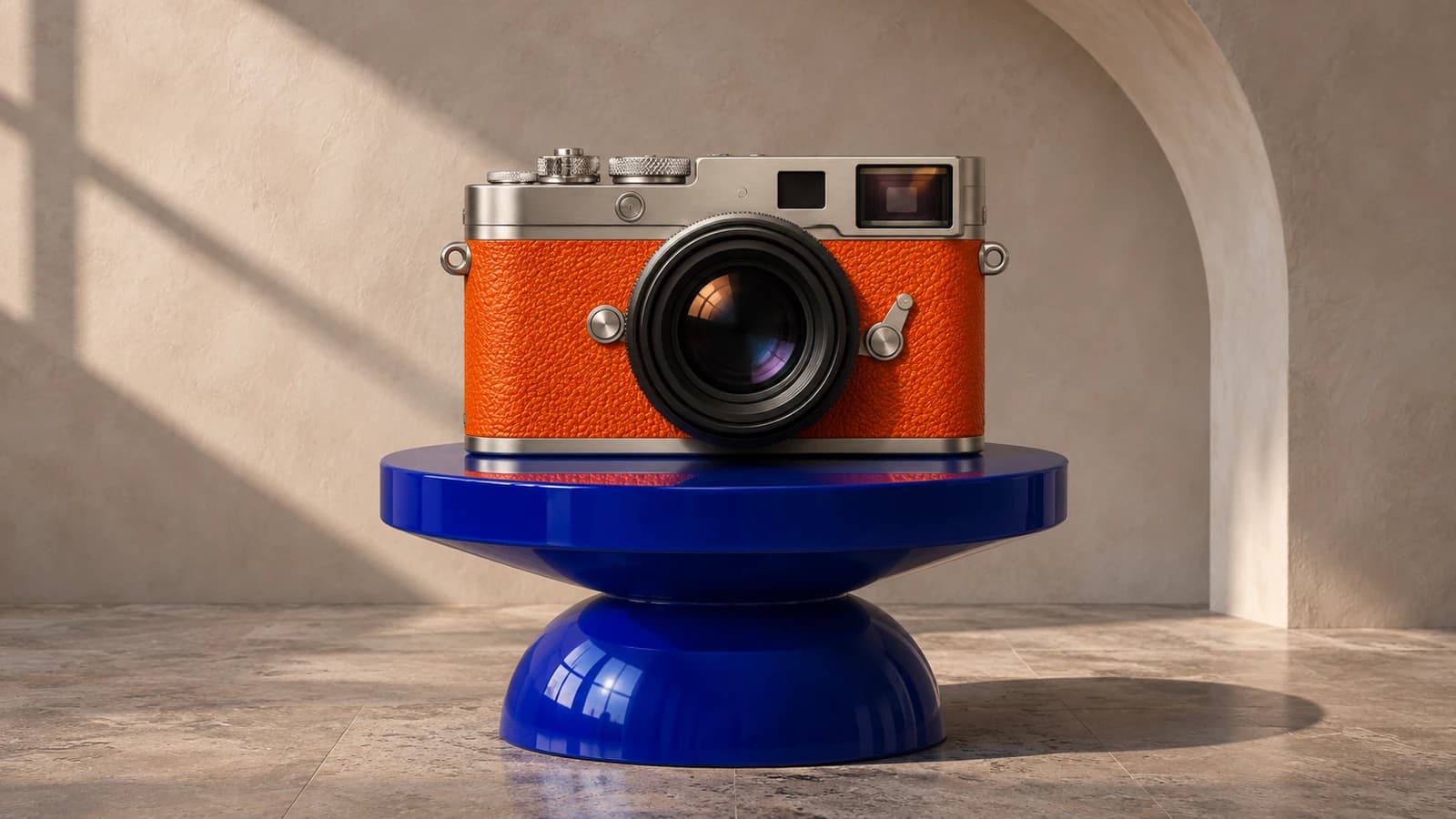
An orange vintage film camera on a cobalt-blue pedestal in an art gallery with space on either side
1:1 → 16:9

9:16 for Reels and Shorts · 4:5 and 1:1 for feeds · 16:9 for widescreen

Prompt (optional)

Leave blank to expand from your video.

Square video to widescreen for the shot you already have

Keep the top and bottom of your product shot

Take square video to widescreen without cropping the top of a vase or the base of its display. The full source stays visible with its proportions retained. Give your existing product shot room for a new placement, from a feed clip to a website visual.

A complete ceramic still life with its vase, bowl and stone display visible inside a wider pottery studio
1:1 → 16:9

Expand square video to widescreen with a fuller setting

Use AI to bring square video to widescreen as a river gains valley scenery or a studio gains surrounding space. Guide the environment with an optional description, then check lighting, textures and moving edges in the downloaded video.

A stone bridge over an alpine river with a misty green valley continuing to both sides
1:1 → 16:9

Choose where your product sits

Convert square video to widescreen with added space to the left, right or both. Preview the original centered or positioned to one side. Make room beside a perfume demonstration for the layout you plan to use.

An amber perfume bottle on pale green stone, with botanical shadows and open space to its left
1:1 → 16:9

Square video to widescreen with room for a message

Take square video to widescreen for a website headline, campaign offer or presentation title. Plan open background beside your subject, then add precise text and logos after downloading. A square video to landscape layout gives the product and message their own space.

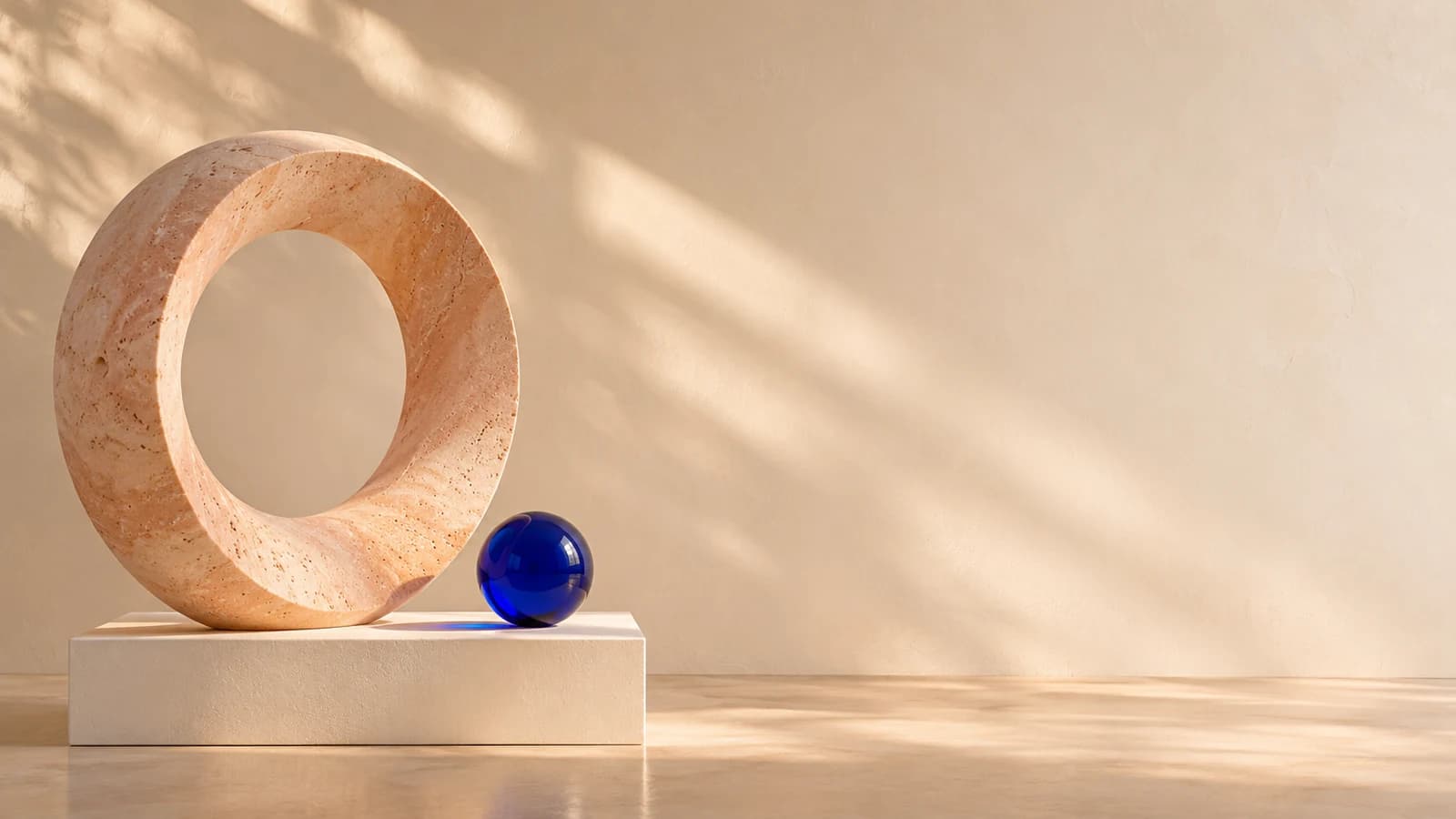
A peach stone ring sculpture and blue glass sphere beside a wide open gallery wall
1:1 → 16:9

Carry the original rhythm and sound forward

Bring square video to widescreen while keeping the duration of your animation or product loop. The finished MP4 includes source audio when present, retaining the soundtrack or narration. Review the added scenery through the full motion before your next edit.

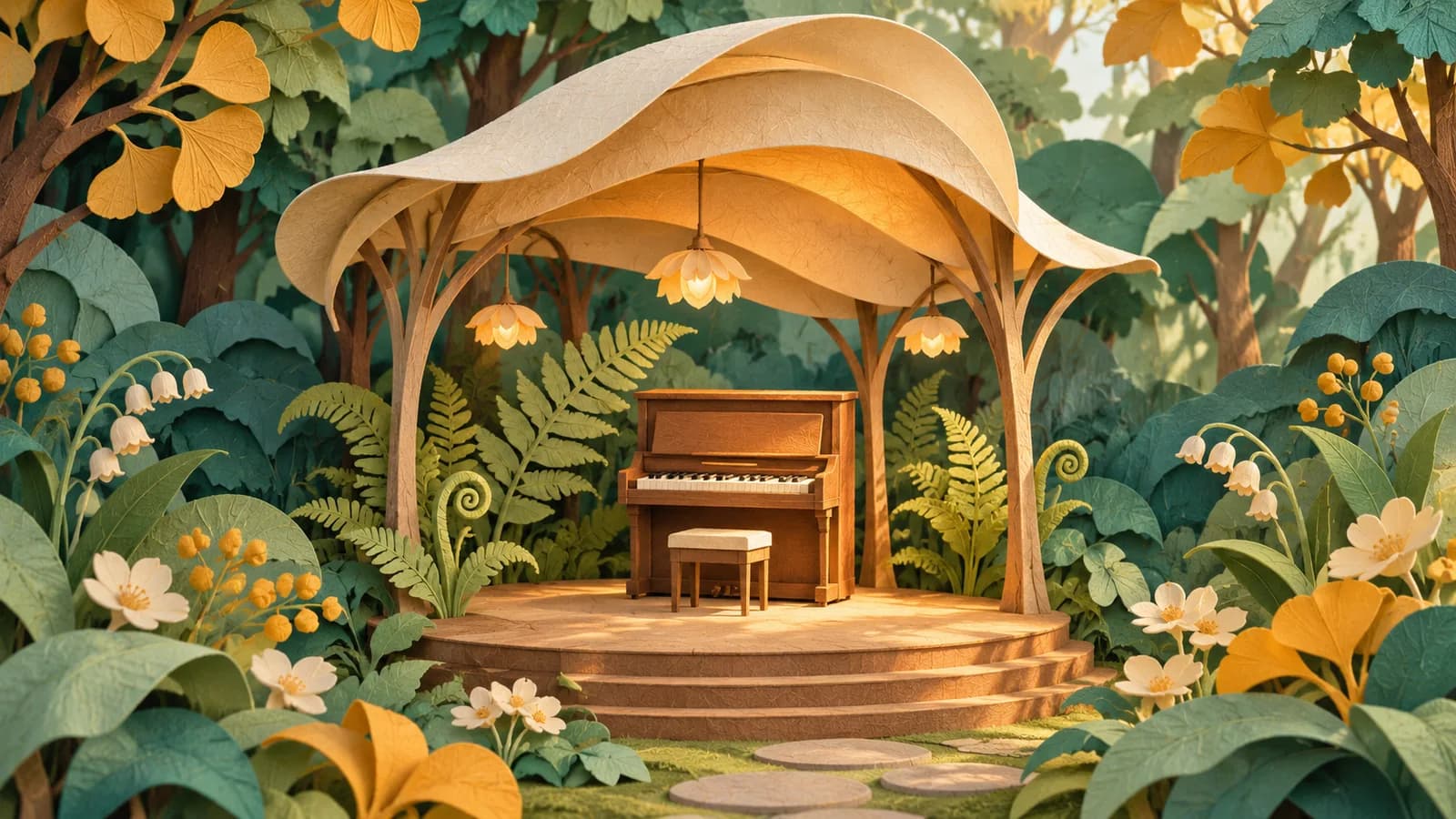
A handcrafted paper garden with a miniature piano pavilion and layered leaves extending across a wide stage
1:1 → 16:9

How to convert square video to widescreen

  1. 1. Upload your square clip

    Select a clear, playable 1:1 clip with visible surroundings to preview converting square video to widescreen.

  2. 2. Preview the 16:9 frame

    Preview square video to widescreen at 16:9. Choose expansion direction, add an optional description and check estimated credits.

  3. 3. Generate and download

    Generate, review the new edges and audio, then download your MP4 for editing or publishing.

Give existing footage a place beyond the feed

Product pages and website visuals

Convert square video to widescreen for product pages, leaving room beside a demonstration for details or a headline.

Landscape campaign placements

Take square video to widescreen for a 16:9 campaign placement. Add approved offers and branding during final editing.

Presentations and creative portfolios

Bring square video to widescreen slides and portfolio players. Keep artwork, animation or process clips visible inside the new canvas.

A clear workflow from source to finished result

  • Plan the composition first

    Preview square video to widescreen and check the source position before spending credits on generation.

  • See the cost before you start

    The duration-based estimate helps you choose footage that fits your available balance.

  • Return to your finished video

    Generate square video to widescreen and return later. Progress and downloads remain in your account for 30 days.

Square video to widescreen FAQ

How can I convert square video to widescreen with AI?

Select a clip and choose 16:9 to preview placement, then generate. AI adds an imagined continuation beside the complete source. Review the new scenery before publishing.

Will my square video be cropped or stretched?

Convert square video to widescreen with its proportions retained and the complete composition visible. Source resolution can change to fit the output. Check existing labels and captions at the final viewing size.

Can I convert 1:1 video to 16:9 for YouTube?

Yes. Convert square video to widescreen at 16:9, then download your MP4 for YouTube or editing. Review the composition and existing text at the size your audience will watch.

Can I choose which side expands or add campaign text?

Convert square video to widescreen with expansion to the left, right or both. Preview source placement, then add final headlines, logos and captions in your editor after downloading.

Which square video to widescreen formats and sizes are supported?

Upload MP4, MOV, WebM or MKV up to 180 seconds and 300 MB. Download a 16:9 MP4 up to 1920 × 1080 pixels, depending on source resolution. Smaller clips can produce smaller results.

Will the result keep my audio and video length?

A square video to widescreen result retains the original duration and source audio when present. Review picture, sound and the generated edges through the full sequence.

Can I try square video to widescreen for free?

Try one clip up to 10 seconds free with no account required. Generation costs 1 credit per second. Monthly and yearly plans provide additional credits.

What square videos work best, and can I return later?

Clear surroundings, steady lighting and controlled movement give useful context. Review moving edges and textures. Processing continues after you leave. Each account allows one pending or processing task. Files and results remain available for 30 days.

Take your square video to widescreen

Convert square video to widescreen at 16:9, keep your full source in view and create a new version for your next placement.

Expand my square video